
ClickUp Client Portal for Agencies
A real client portal for ClickUp - without guest access chaos.
ClickUp is exceptional for internal execution. BluOps is the ClickUp client portal agencies use to add the missing client-facing layer - giving every client visibility, structure, and clarity without exposing your internal workspace.
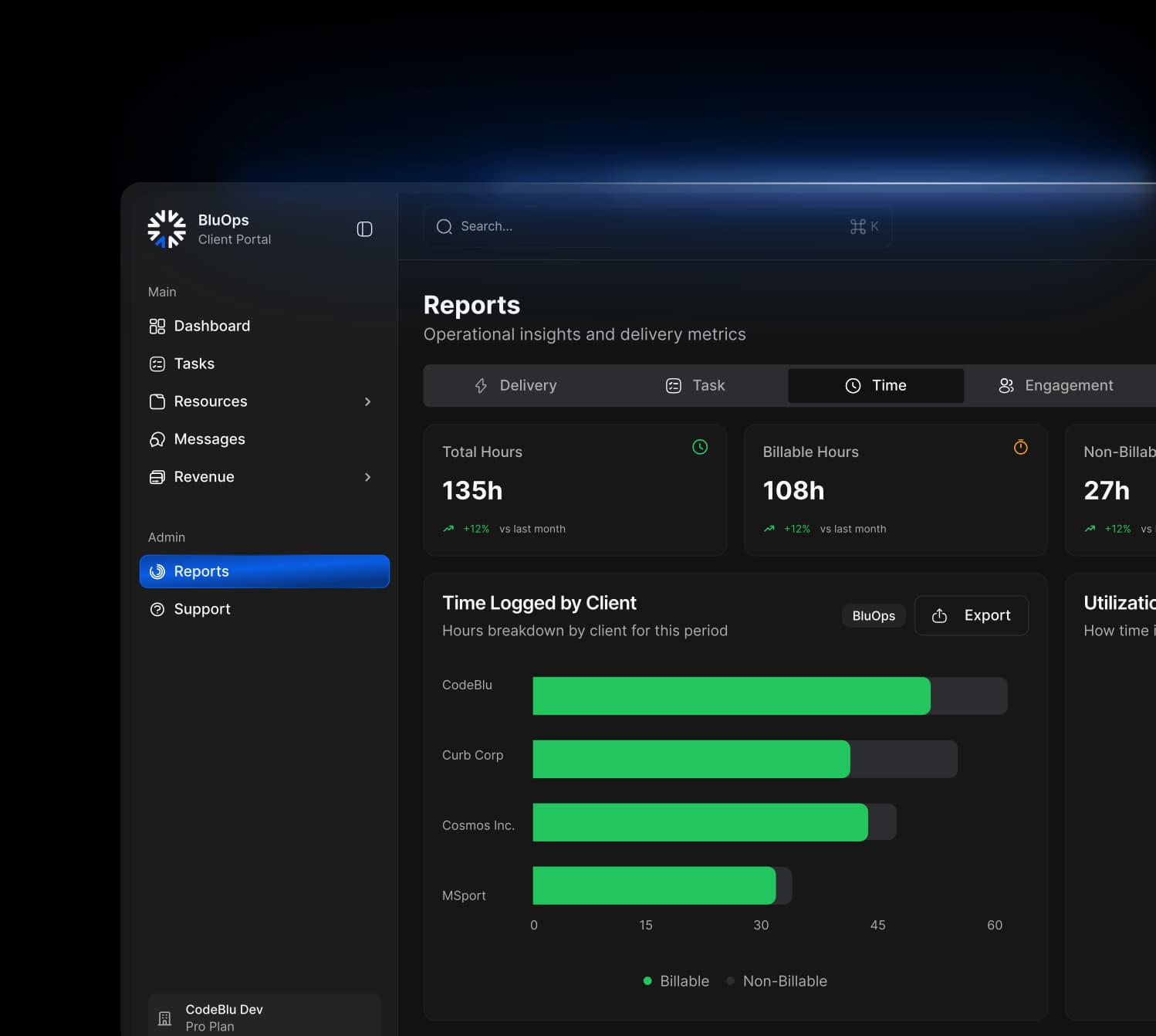
Reliability you can depend on:
99.9%
Data Integrity
<1m
Integration Sync
100%
Role-Based Access
Reliability you can depend on:
99.9%
Data Integrity
<1m
Integration Sync
100%
Role-Based Access
Does ClickUp Have a Client Portal?
ClickUp does not have a native client portal. It offers guest access and shared views - which can work for basic, one-off collaboration - but these are not designed for structured, scalable, client-facing delivery.
Guest access in ClickUp gives clients visibility into your internal workspace. That creates three problems at scale: clients see internal comments and tasks not meant for them, permission management becomes unmanageable across multiple clients, and billing surprises emerge when permission-controlled guests get automatically converted to paid "limited member" seats.
A proper ClickUp client portal needs to be separate from your internal workspace, branded to your agency, and structured around what clients actually need to see - not what your team uses to get work done. That's what BluOps provides.
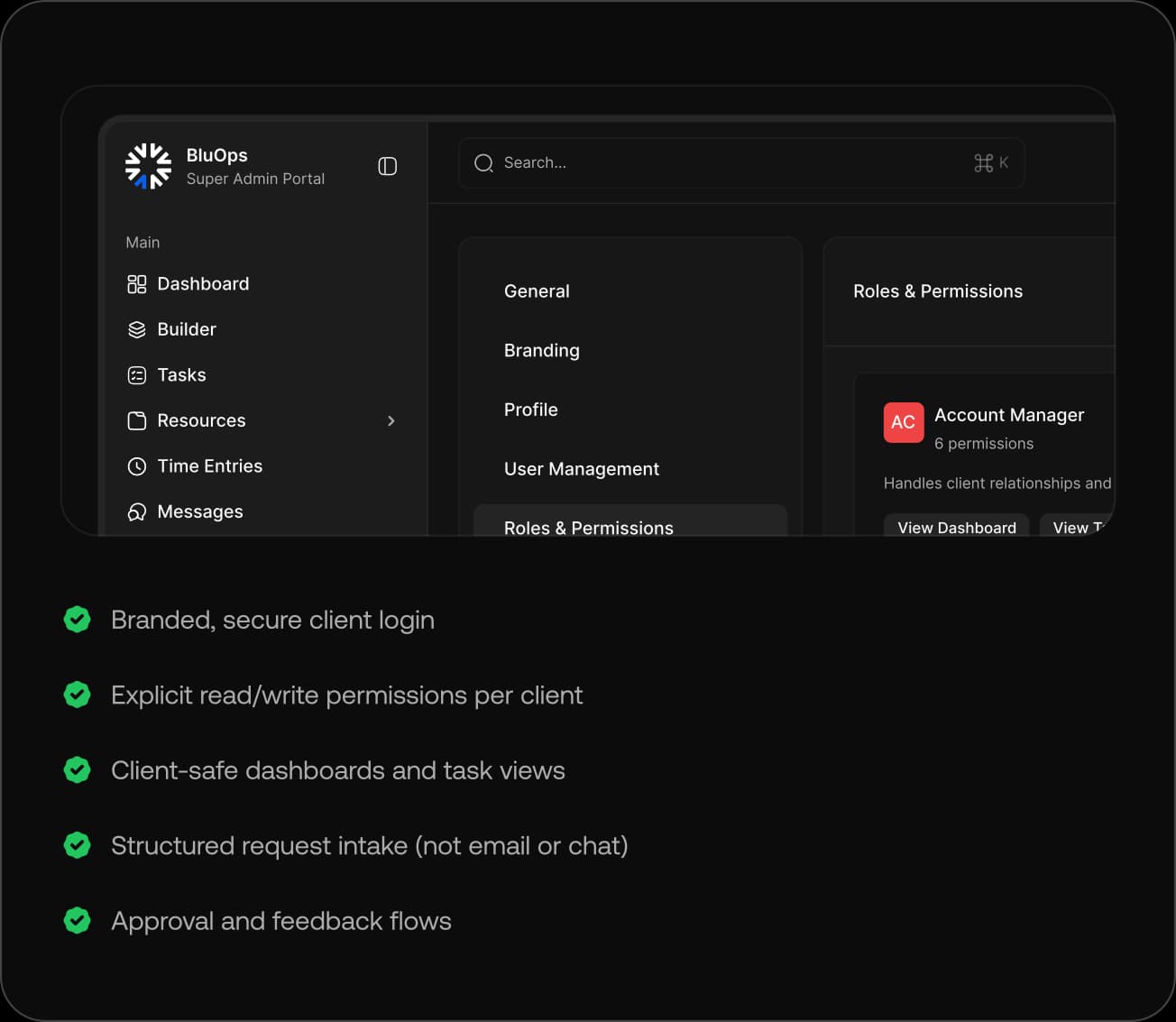
What a Proper ClickUp Client Portal Actually Needs
Most tools stop at access. A real client portal goes further, defining what clients can see, do, and understand, while protecting internal execution from unnecessary exposure.
Why ClickUp Guest Access Breaks at Scale
Guest access was built for collaboration, not for client delivery.
Internal Exposure
Clients see tasks, comments, or statuses meant only for your team.
Permission Sprawl
Access rules become inconsistent and impossible to manage at scale.
Negative Scalability
Each new client adds complexity instead of fitting into a repeatable system.
Unbranded Experience
Clients interact with internal tools instead of a polished, client-safe portal.
Accidental Edits
Clients comment on or modify the wrong items, creating rework and risk.
Operational Noise
Client activity creates clutter, distractions, and confusion inside your internal workspace.
How Bluops Completes Clickup
We don't replace ClickUp. We make it client-ready.
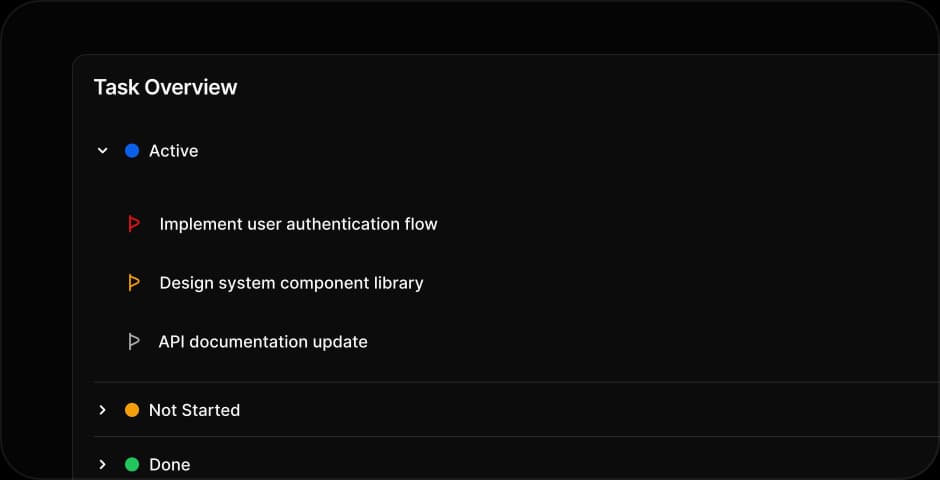
Bluops Portal
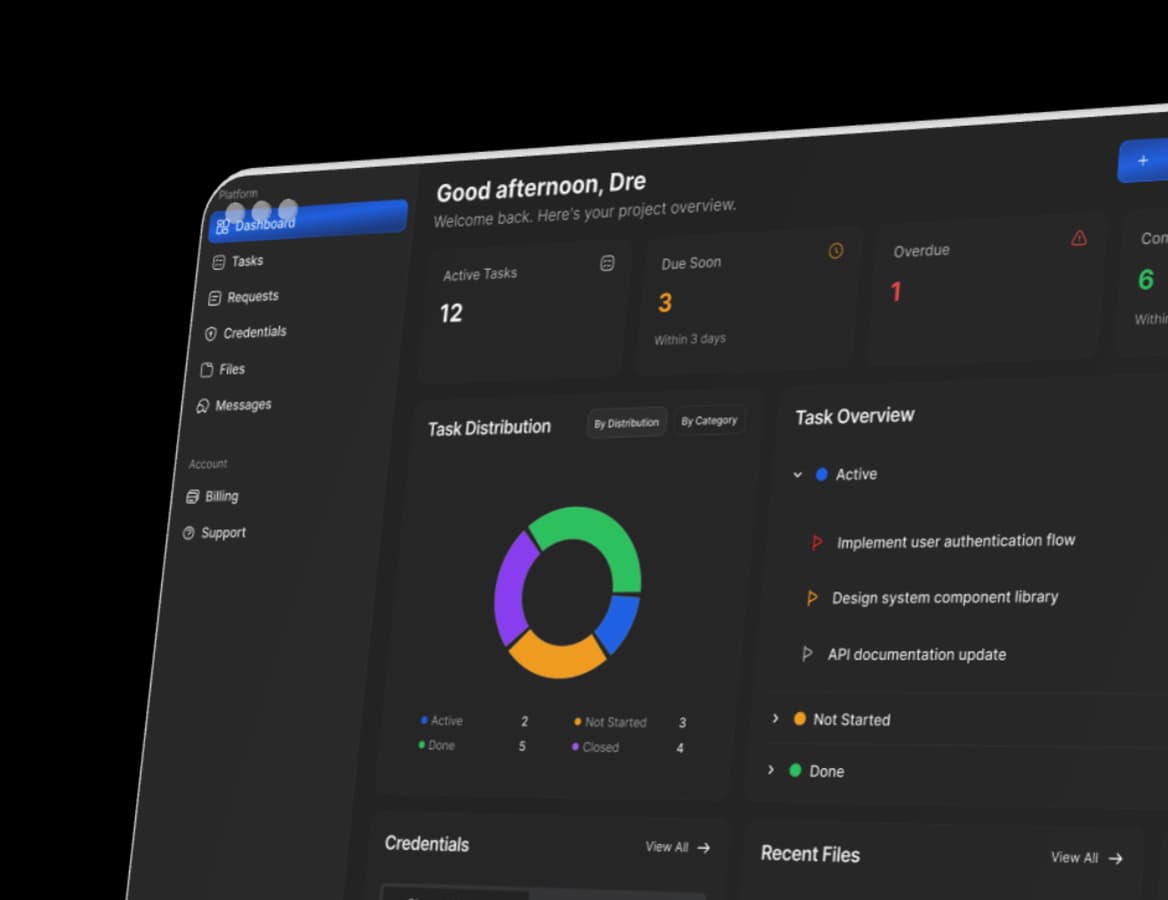
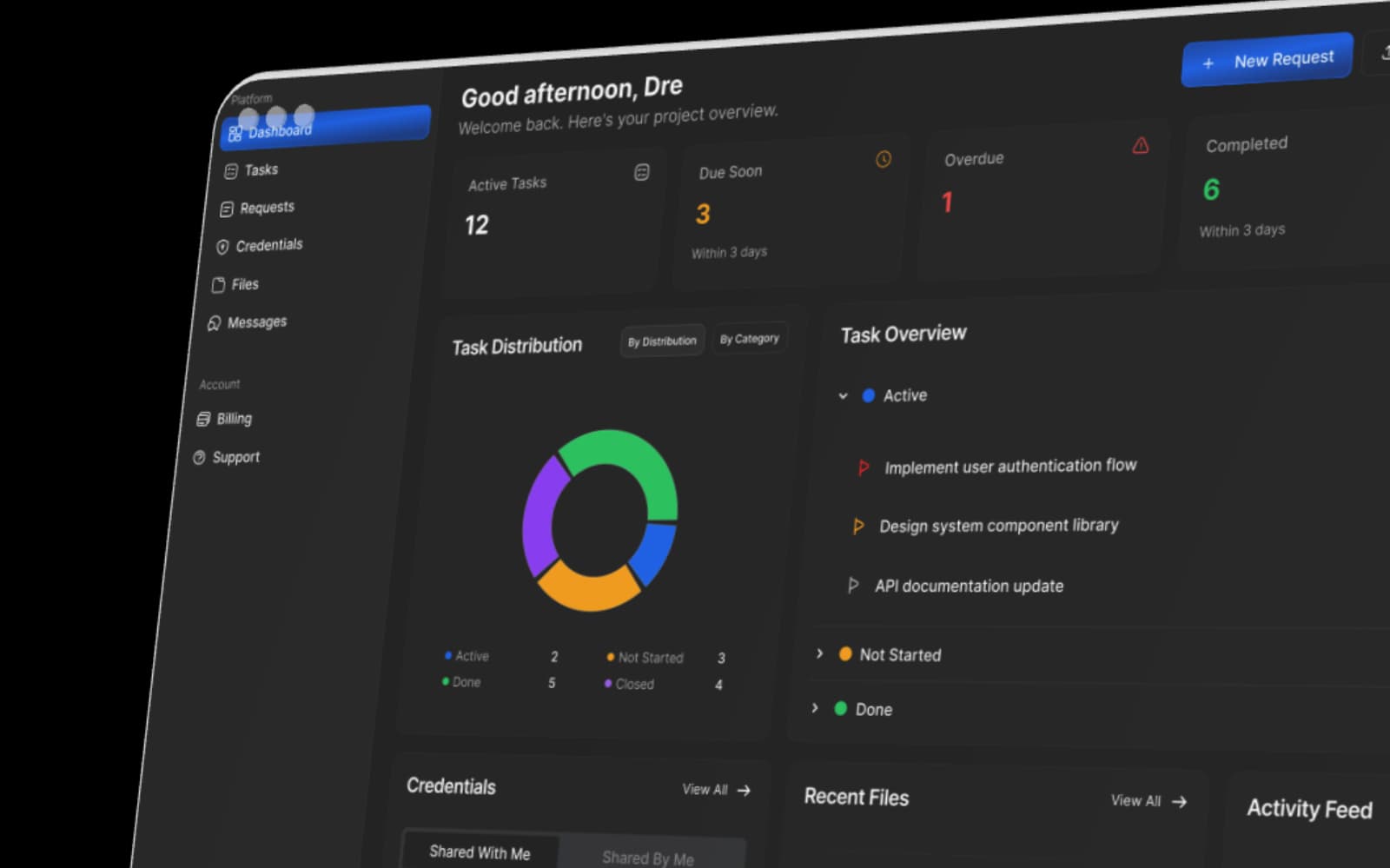
Clients access a dedicated, branded portal where they see only approved tasks, files and updates-completely separated from your internal ClickUp workspace.
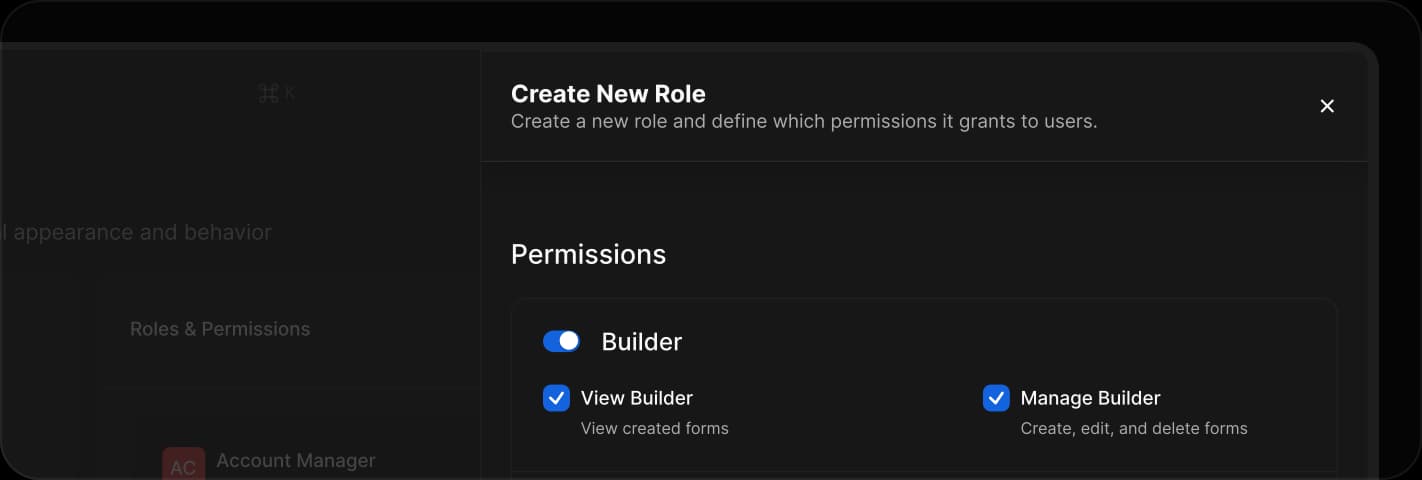
Permission Controls
Define granular read and write access per client, role or project so every user can view or update exactly what they are supposed to and nothing more.
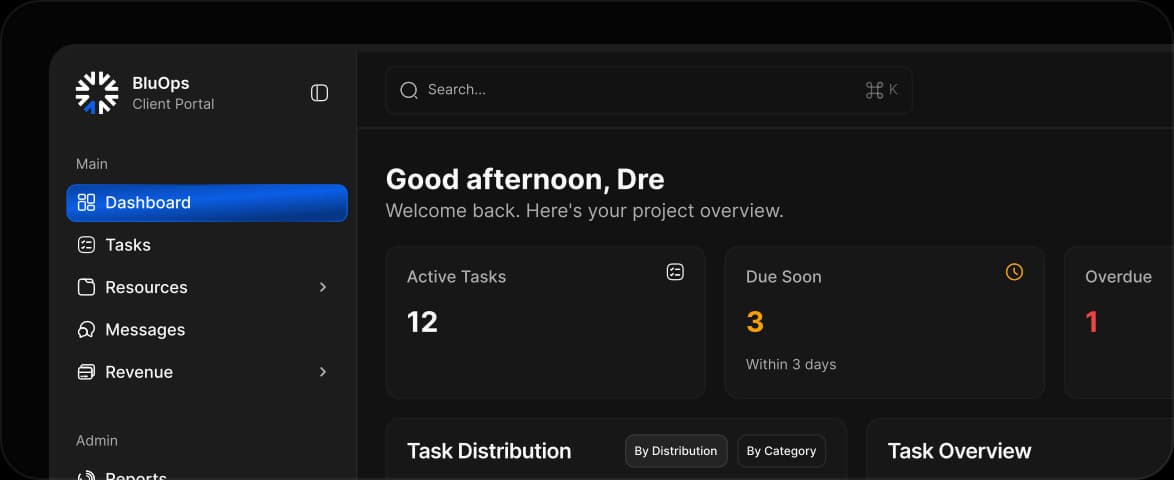
Dashboards
Present clear, client-facing dashboards that show progress, milestones, and delivery status without exposing internal comments, workflows, or noise.
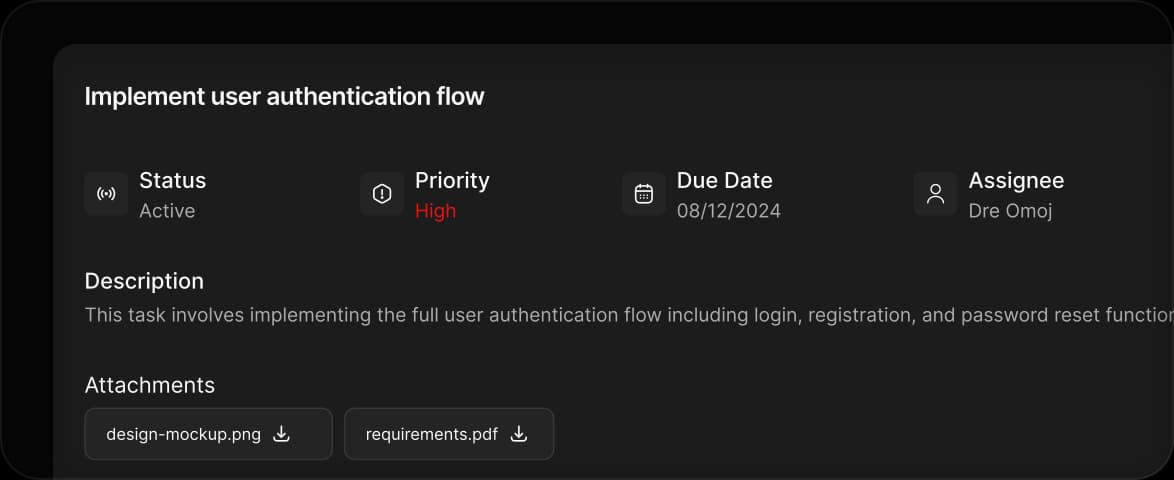
Requests Intake
Clients submit requests through structured forms that automatically map into clean, actionable ClickUp tasks with the right context, fields, and attachments.
Common questions from
teams evaluating BluOps
Everything you need to know about how BluOps works, how it fits into your stack and how it scales with your team.
Why Guest Access Isn't a Client Portal
A side-by-side look at ClickUp's limitations and what Bluops adds on top.


See What a Real ClickUp Client Portal Looks Like
If you're already using ClickUp and struggling with client visibility, Bluops was built specifically for this problem.
Start $1 Trial